Password Setup |
Canvas Access |
Grades (Infinite Campus) |

http://alphastockimages.com/
Each year, PCSD resets all students to a generic password which requires them to change their password upon first use. This year students are able to reset their passwords from home following these directions.
|
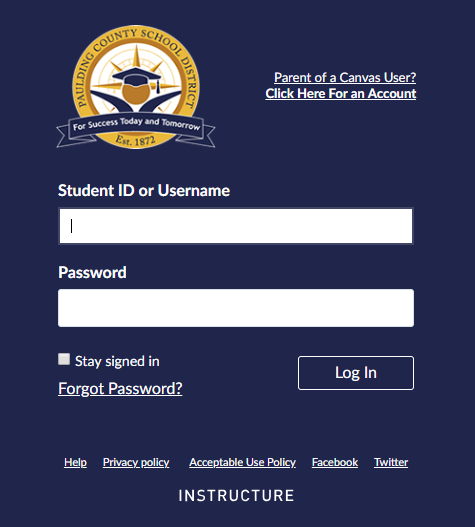
Students log into Canvas using the same username and password they use to log into a computer at school. Parents can set up observer accounts in order to monitor their student's assignments and submissions. CLICK HERE for instructions for on how to get a student pairing code. CLICK HERE for instructions to set up a parent account.
|
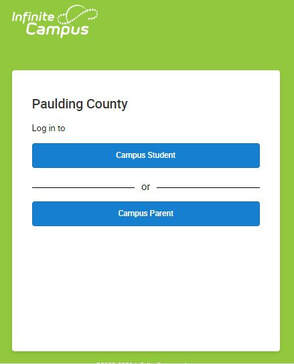
Students log into Infinite Campus using the same username and password they use to log into a computer at school. If a student is locked out of IC, he/she needs to talk to the media specialist. Parent access to IC is set up at the district level. Problems with IC parent access can be resolved by contacting the PCSD technology department.
|
Microsoft Office Access |
Clever Portal |
3D Printing |

The PCSD offers the Microsoft Office 2016 Suite FREE to all its students. This suite includes OneDrive, Word, PowerPoint, Excel, Publisher, and OneNote. Students save their schoolwork on OneDrive and can access it at school or at home, eliminating the need for flash drives. You can get directions for downloading the suite onto up to 5 computers by clicking here. CAUTION: the student username looks like an email address but is NOT. PCSD does not provide students with email.
|
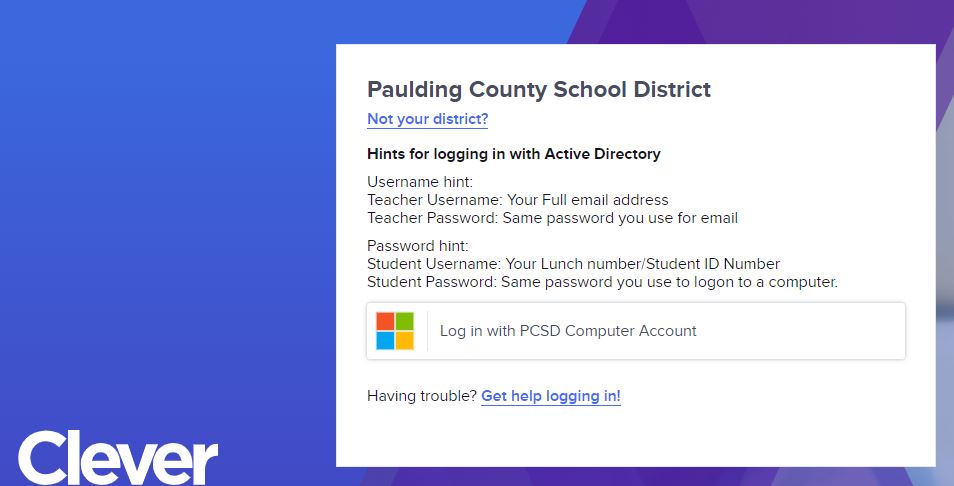
PCSD uses Clever as a portal for students to access the databases our school district subscribes to such as Learnzillion and USATestprep. At school, students logged onto a school computer will not need to use a username and password. If using personal devices, students will need to enter their student [email protected] and their usual password.
|
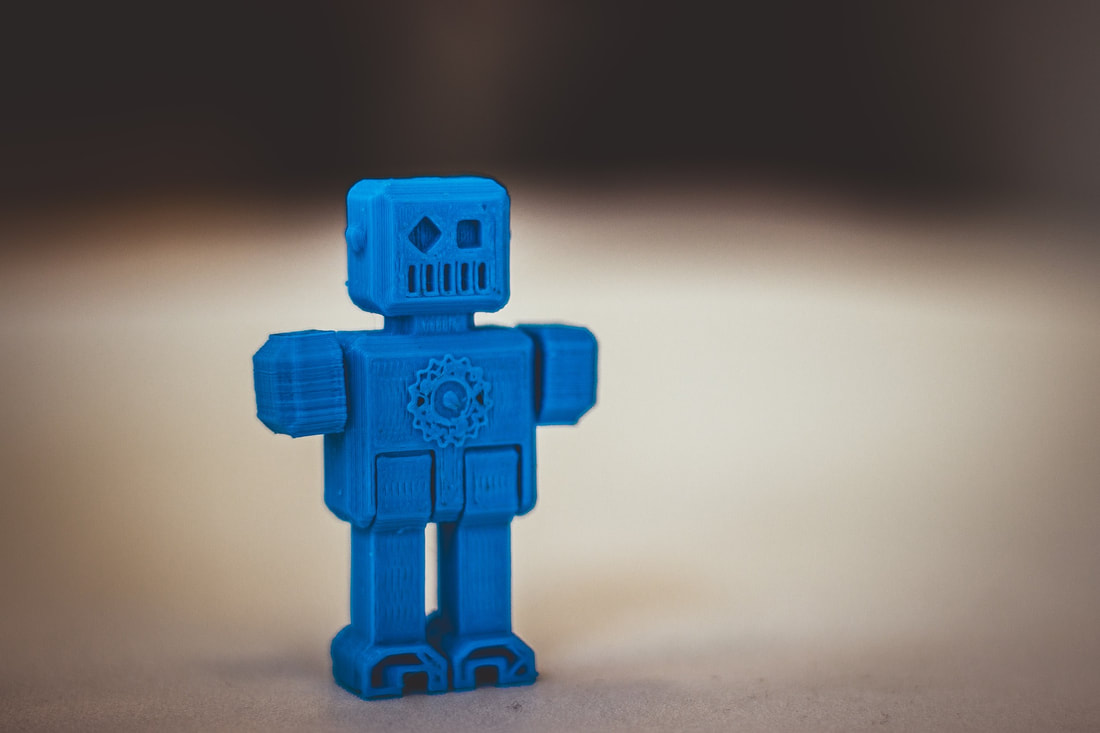
Image by Alberto Adán from Pixabay
Students have access to a 3D printer which they can use for instructional purposes only. Printing is free, but this is a time consuming process which often has troubleshooting involved. Therefore, students are encouraged to plan ahead in order to insure their product is ready on time. They need to talk to the media specialist ahead of time to make sure there is no backlog which will delay printing. We need to have the 3D file at least 3 days before it is needed. CLICK HERE to print the request form which must be signed by the project teacher and turned in to the media specialist.
|
